Help / Getting started
Getting started
EachPayday is a budgeting app built around your pay cycle. Instead of forcing your money into calendar months, it works in the rhythm you actually get paid: weekly, fortnightly, or monthly. Everything lives on your own device. There is no account to create and no bank login.
Try it before you set anything up
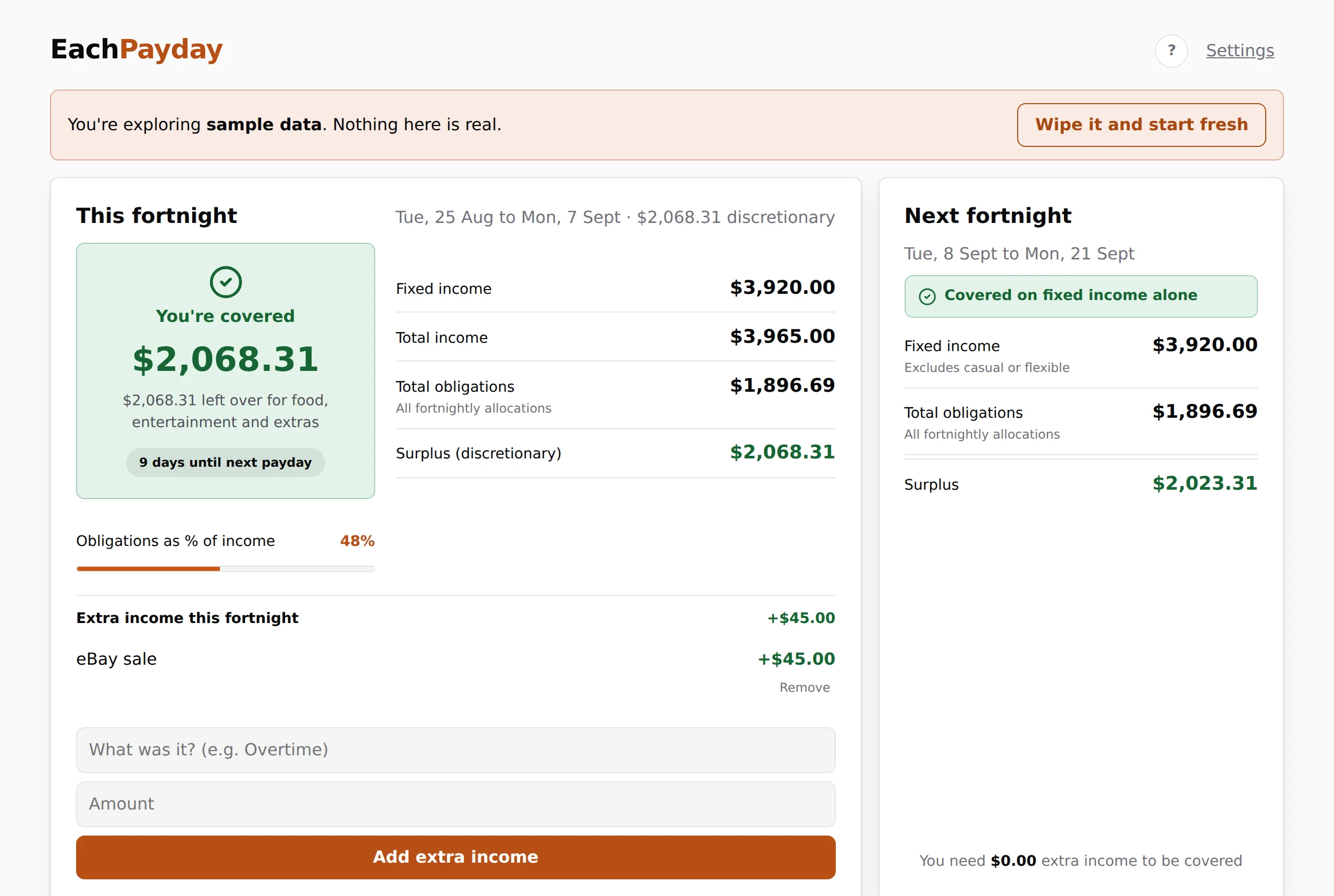
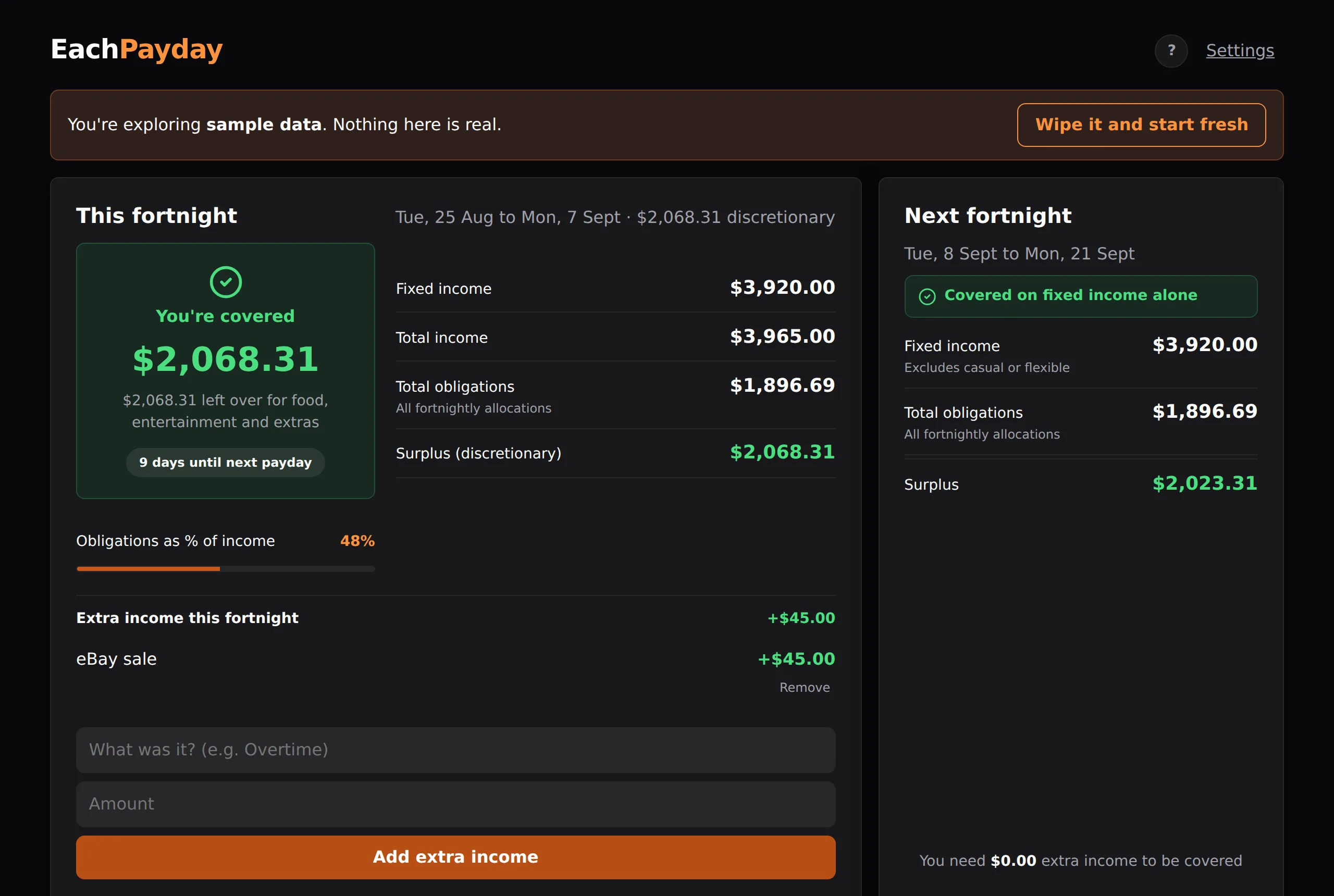
On the welcome screen, choose Explore with sample data. This loads a complete example household so you can click around a fully populated dashboard, tick items off, log a spend, and see how a finished pay cycle looks. Nothing you do in sample mode touches real data, and you can clear it in one tap and start fresh whenever you like.
Setting up your own budget
The setup wizard walks you through seven short screens. The pay cycle screen is the one that must be completed, because the whole app runs on it. Everything else can be skipped, and everything including your pay cycle is editable later in Manage income and expenses and Settings, so you do not have to get it perfect the first time.
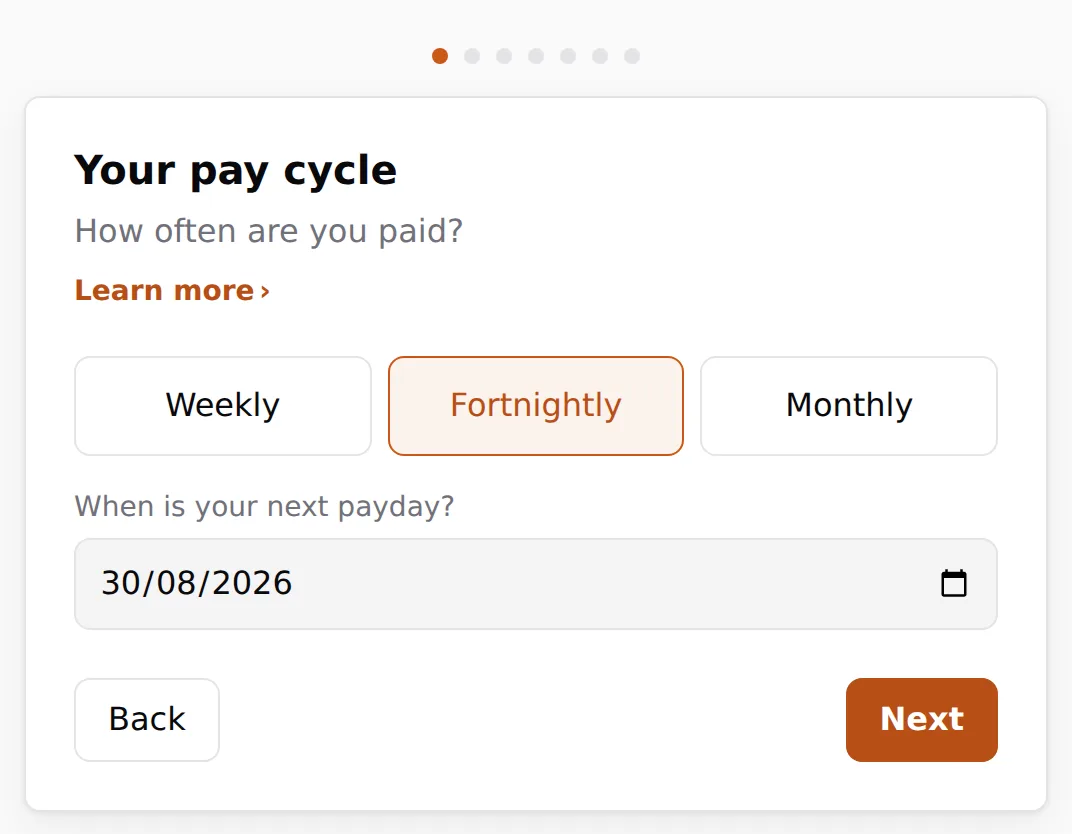
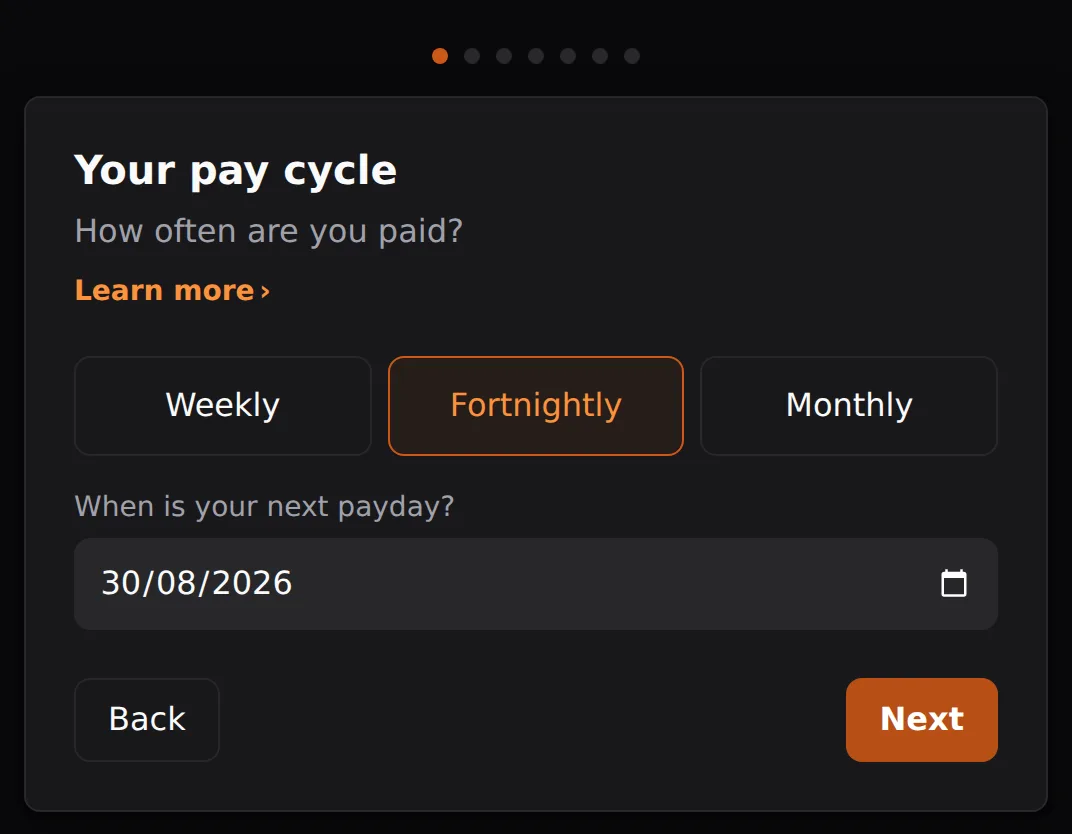
- Pay schedule. Pick how often you are paid and the date of your next payday. This sets the cycle that the whole app runs on.
- Income. Add each regular income and the amount you receive per pay. Casual or variable income can be left out here and added per cycle later as extra income.
- Expenses. Add your regular outgoings. Each one is either paid every pay, monthly on a set day, quarterly from its next bill date, or yearly on a set date. These are the bills EachPayday helps you set aside for.
- Bills buffer. Optionally set a small cushion to keep in your bills account. This is money that stays put so a slightly early debit never overdraws the account.
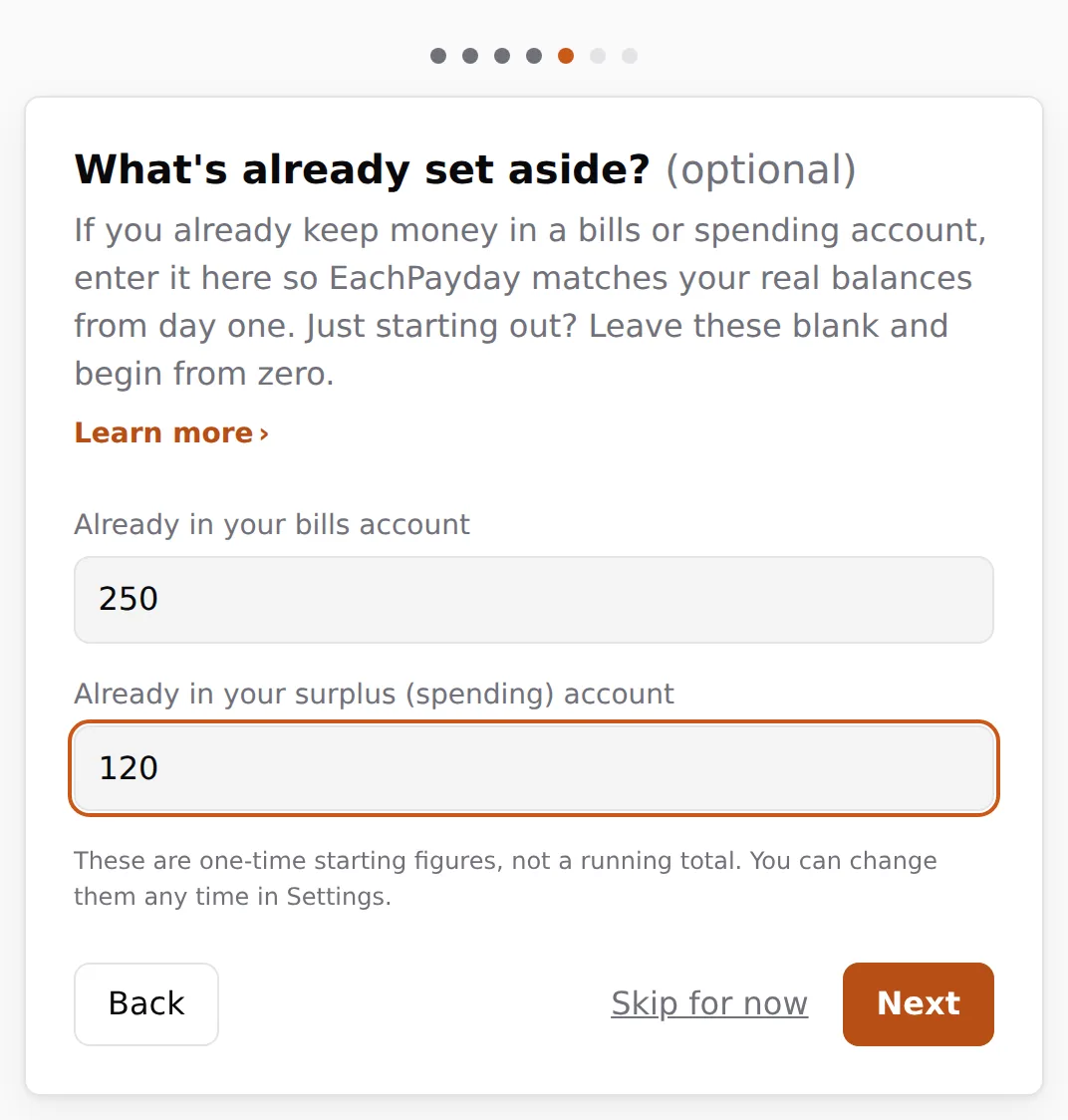
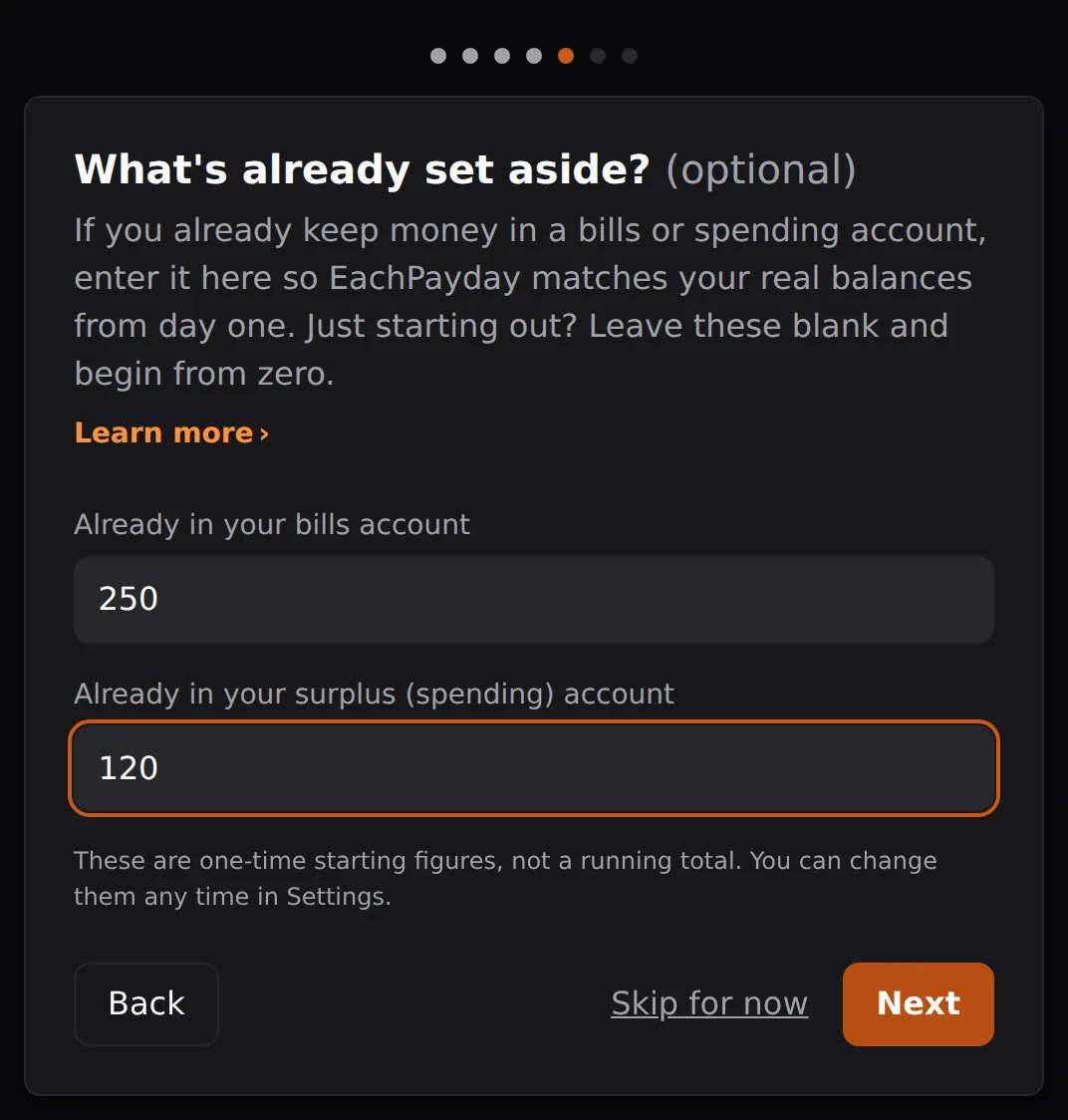
- Starting balances. If you already keep money in a bills or spending account, enter it here so your dashboard matches your real balances from day one. Leave it blank to start from zero, and change it any time in Settings.
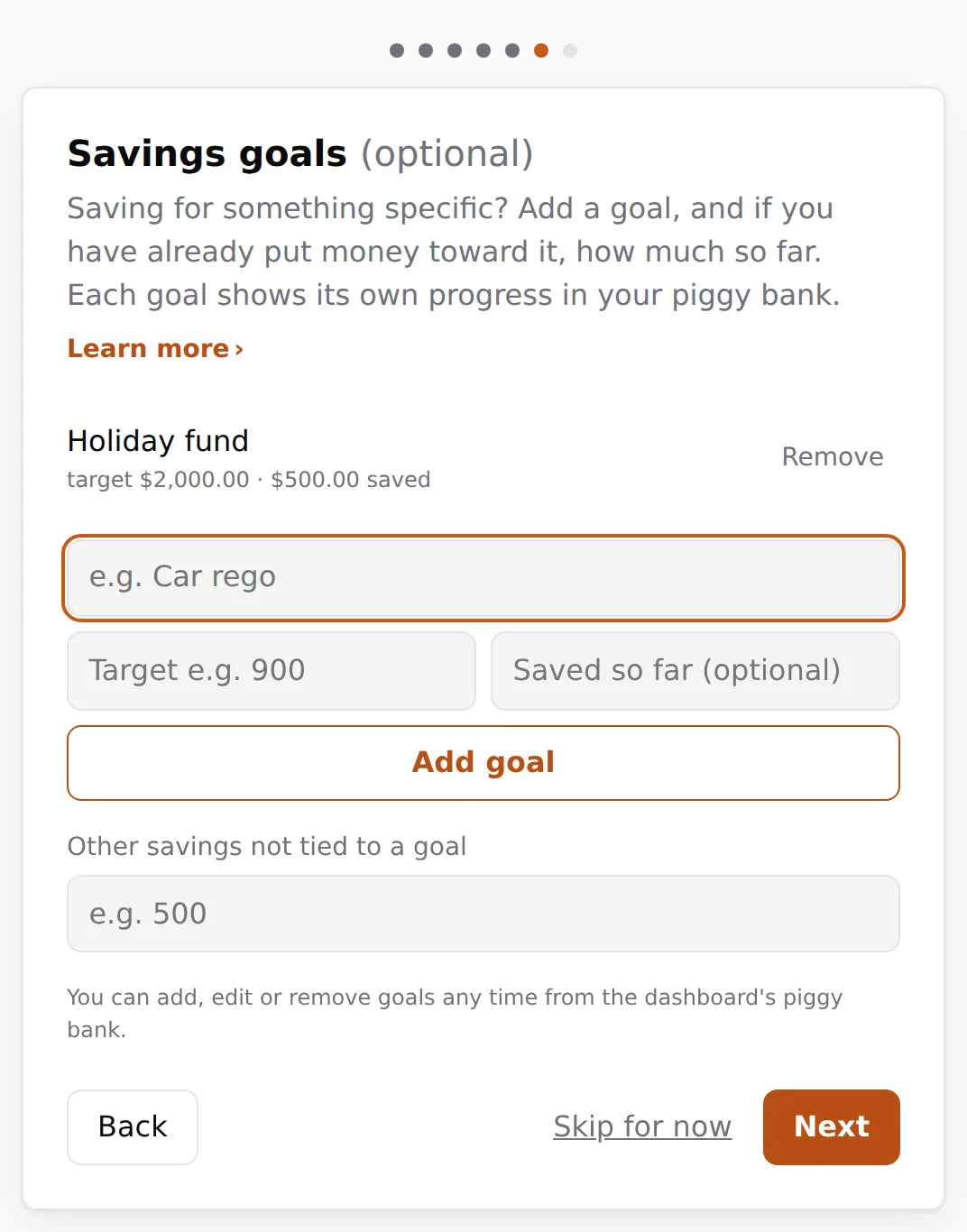
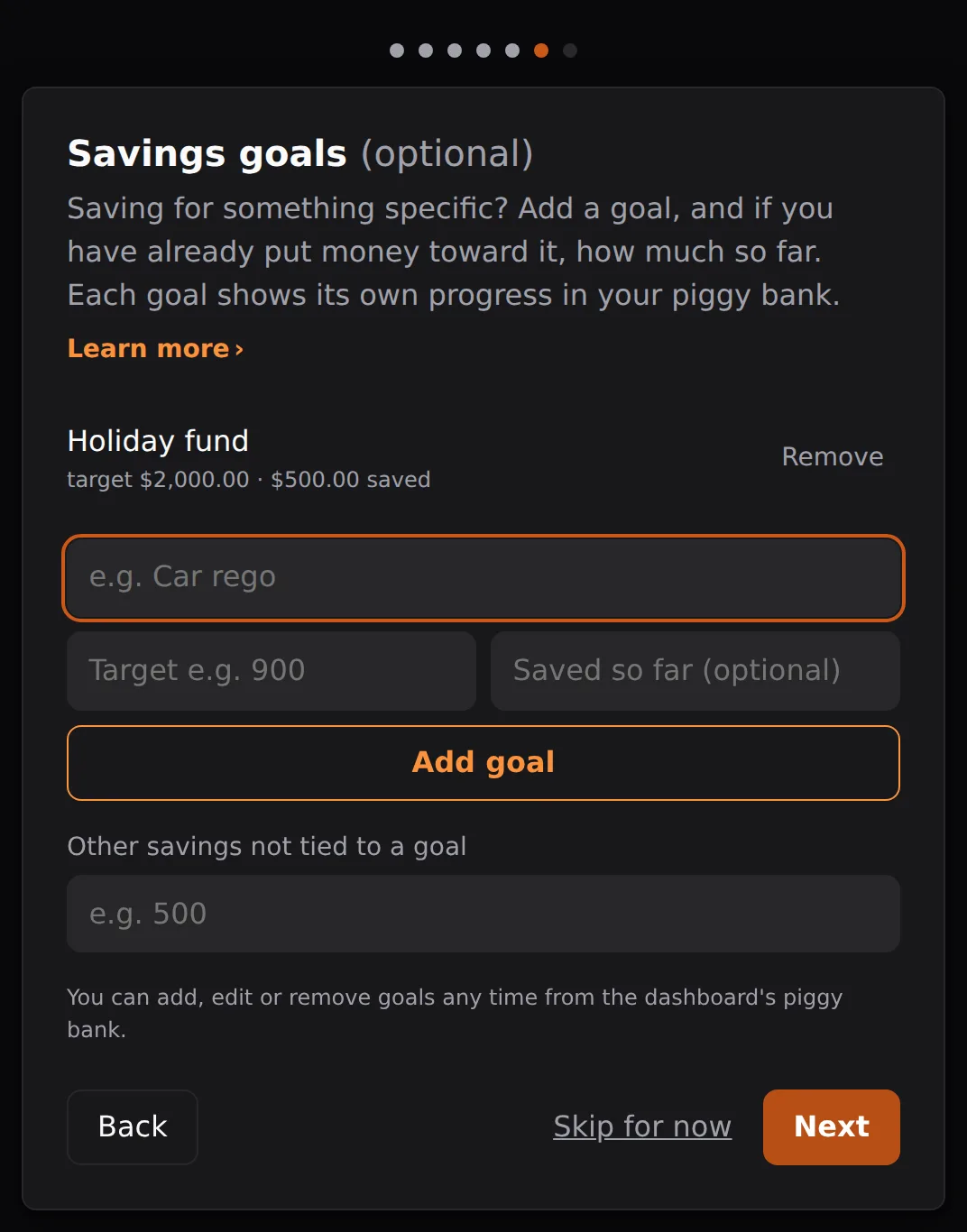
- Savings goals. Add any savings goals, for example a holiday or your car rego, each with a target and, if you have already put money toward it, how much so far. Goals show their own progress in your Piggy bank.
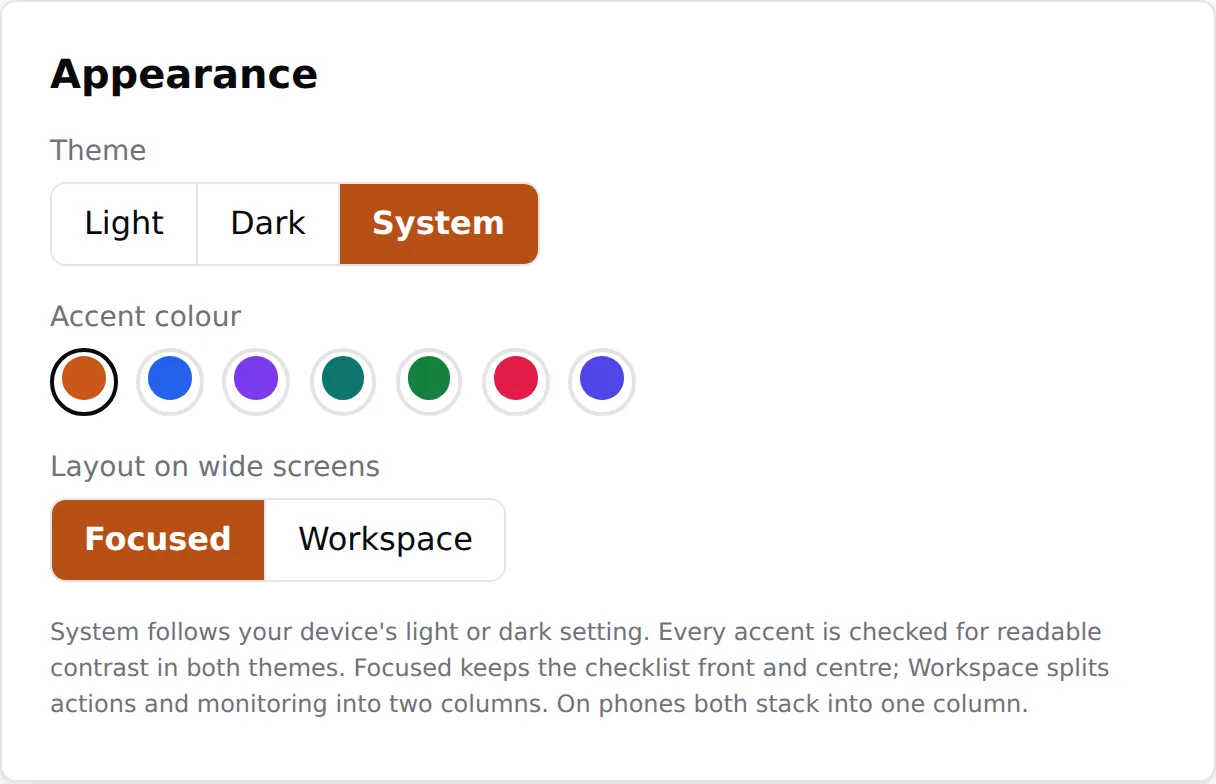
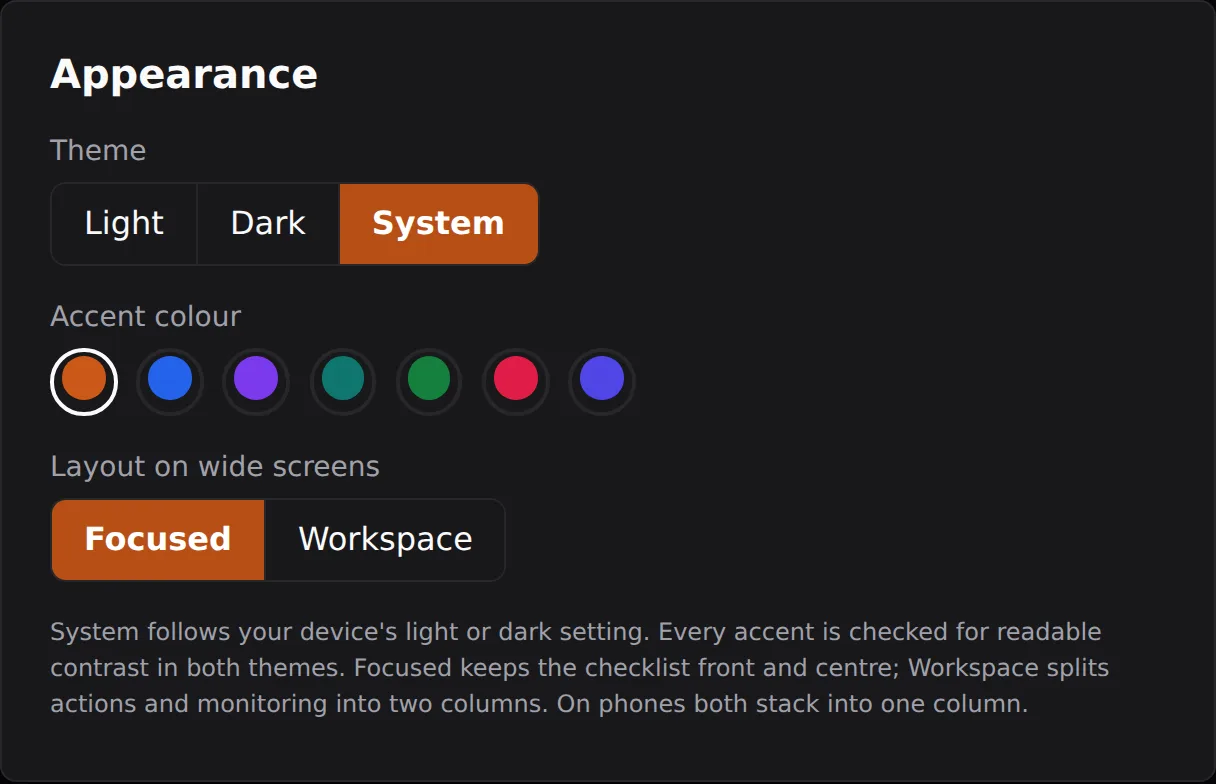
- Make it yours. Pick a theme and accent colour. It updates instantly, it is optional, and you can change it any time in Settings.
When you finish, you land on your dashboard with everything calculated for the current cycle.
Your budget starts on your first payday
If the payday you pick is still to come, EachPayday sets everything up now but does not go live until that day. Until then your dashboard is a preview: you can look over how your first pay cycle is shaping up and keep setting things up, but ticking off bills, logging spends and moving money begin on payday. This is what lets your first cycle start cleanly on a payday, rather than partway through one. If the payday you pick is today, the app starts straight away.