Help / The set-aside method
The set-aside method
EachPayday is built around one simple habit: every payday, move the money for your upcoming bills out of your everyday account and into a separate account, so it is there when each bill lands.
The accounts behind the method
The method mirrors a small set of your own bank accounts, so what you see on the dashboard matches what is actually in your bank:
- An everyday account, where your pay arrives and your day-to-day spending happens.
- A separate bills account (many banks let you open extra accounts for free), used only for direct debits and bills. This is the account the checklist and the Bills account card track.
- A Surplus savings account, holding what is left after your bills are covered, matching your Surplus pot in the app.
- A Piggy bank savings account, for money you are deliberately saving, matching your Piggy bank and goals in the app.
Only the everyday and bills accounts are essential to the set-aside habit. Adding the Surplus and Piggy bank accounts is what lines your real balances up with the dashboard, so the app becomes a mirror of where your money actually sits rather than just a plan on a screen.
EachPayday does not connect to any of these accounts. It tells you how much to move and helps you keep track. You make the transfers in your banking app.
Starting balances
If you already have money set aside when you start using EachPayday, you can enter it so the dashboard matches your bank straight away. During setup, or later in Settings, you set a starting balance for your bills account and your surplus account, and a starting amount on each savings goal. These are one-time opening figures, not a running total: from there the balances move as you tick off bills, log spends and complete cycles. If you are starting the habit from scratch, leave them blank and everything begins from zero.
The checklist
Each pay cycle, the fortnight checklist (or week/month, depending on your pay) lists what to set aside. The checklist groups your bills by how often they are billed, in Each pay, Monthly, Quarterly and Yearly sections, each with its own set-aside subtotal, so a long list stays easy to scan. As you make each transfer in your bank, you tick it off. The card shows your progress as you go. When you are done for the cycle you can mark it complete. If you deliberately skip an item, you can still mark the cycle complete: EachPayday will confirm and list what was left unticked, so a skipped item never leaves you stuck.
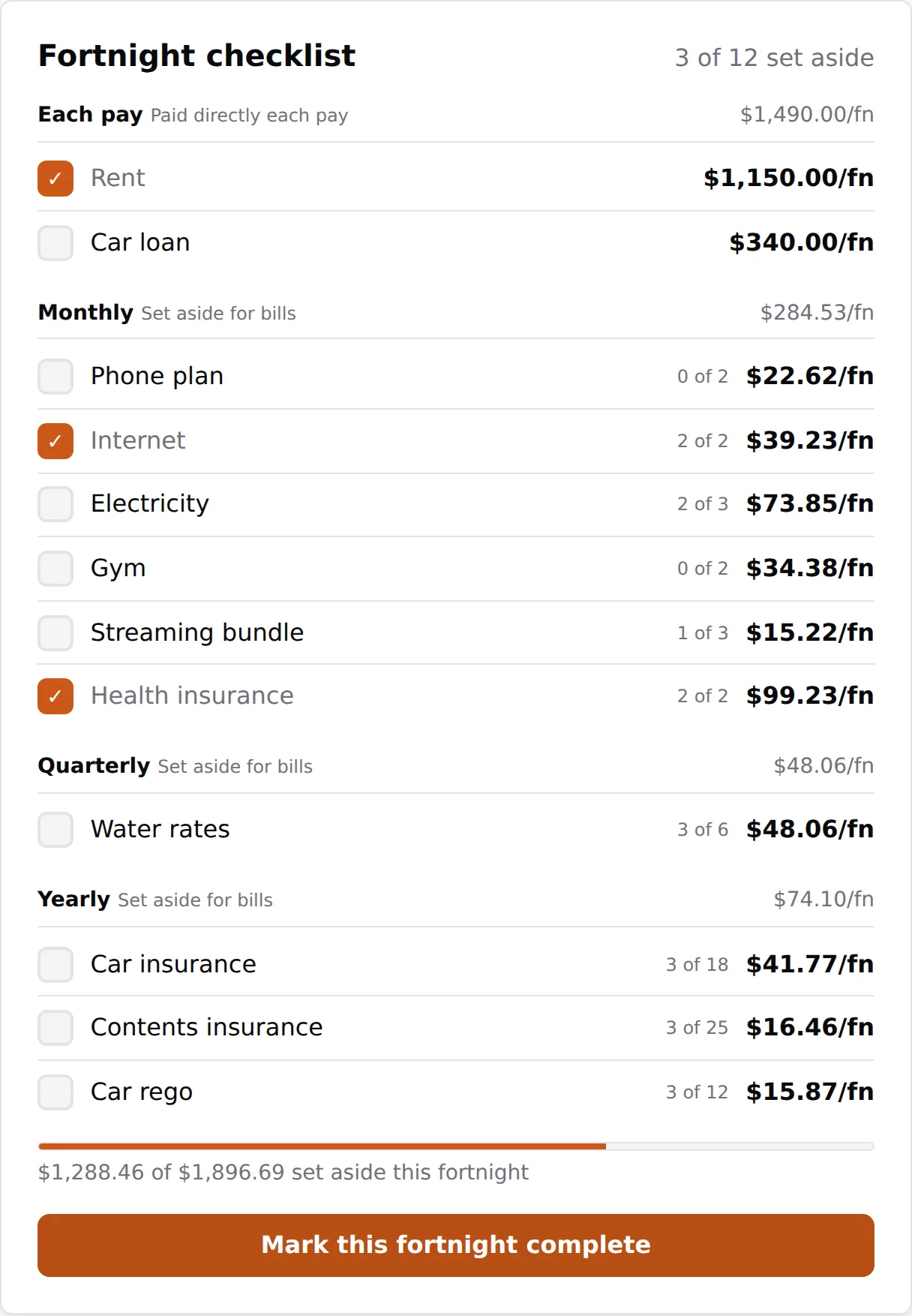
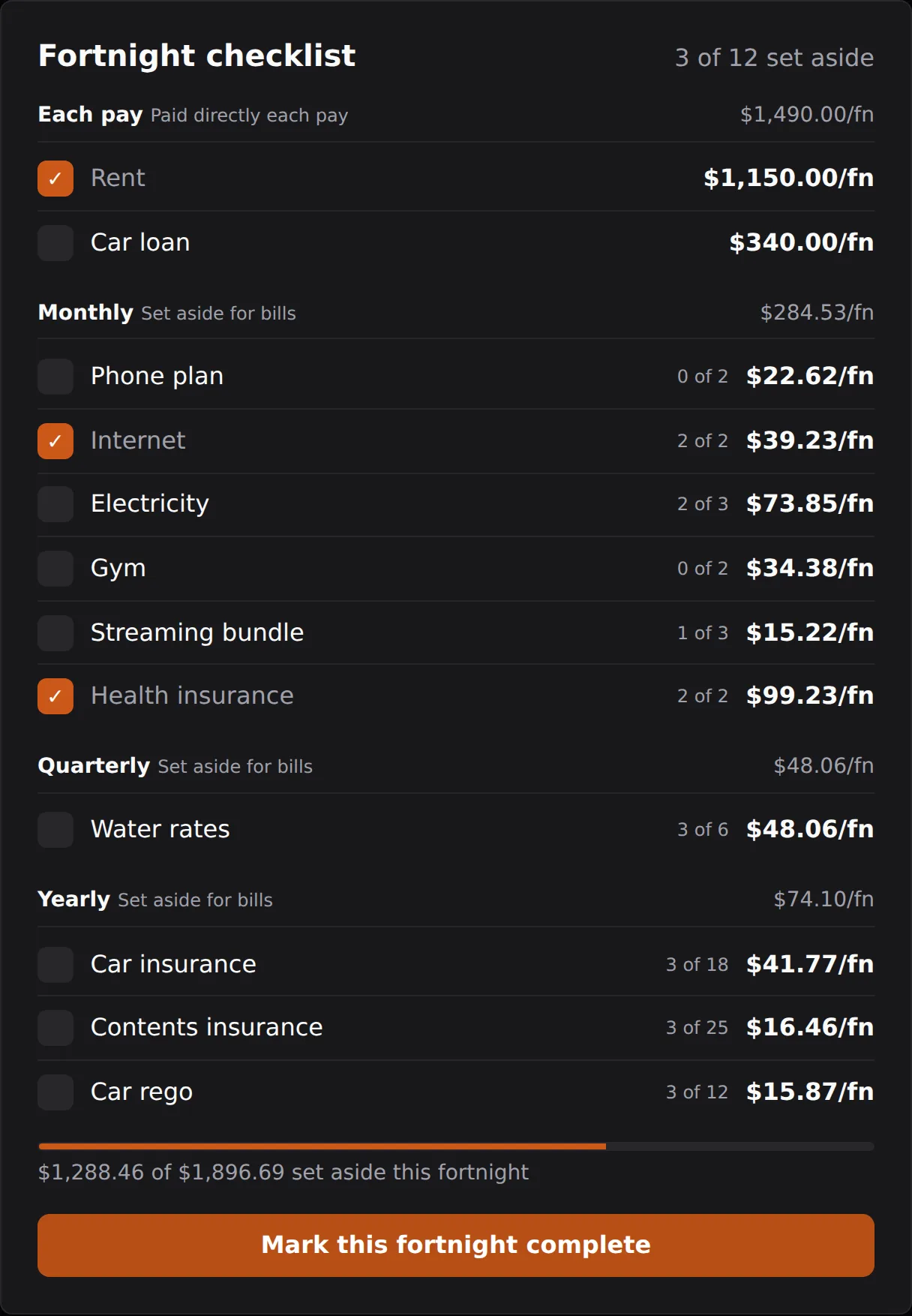
Completing a cycle banks its surplus into your Surplus balance and adds it to your history and analytics. The checklist then locks so the archived record stays fixed. If you need to change something, Reopen this cycle takes that surplus back out of your Surplus balance and makes the checklist editable again.
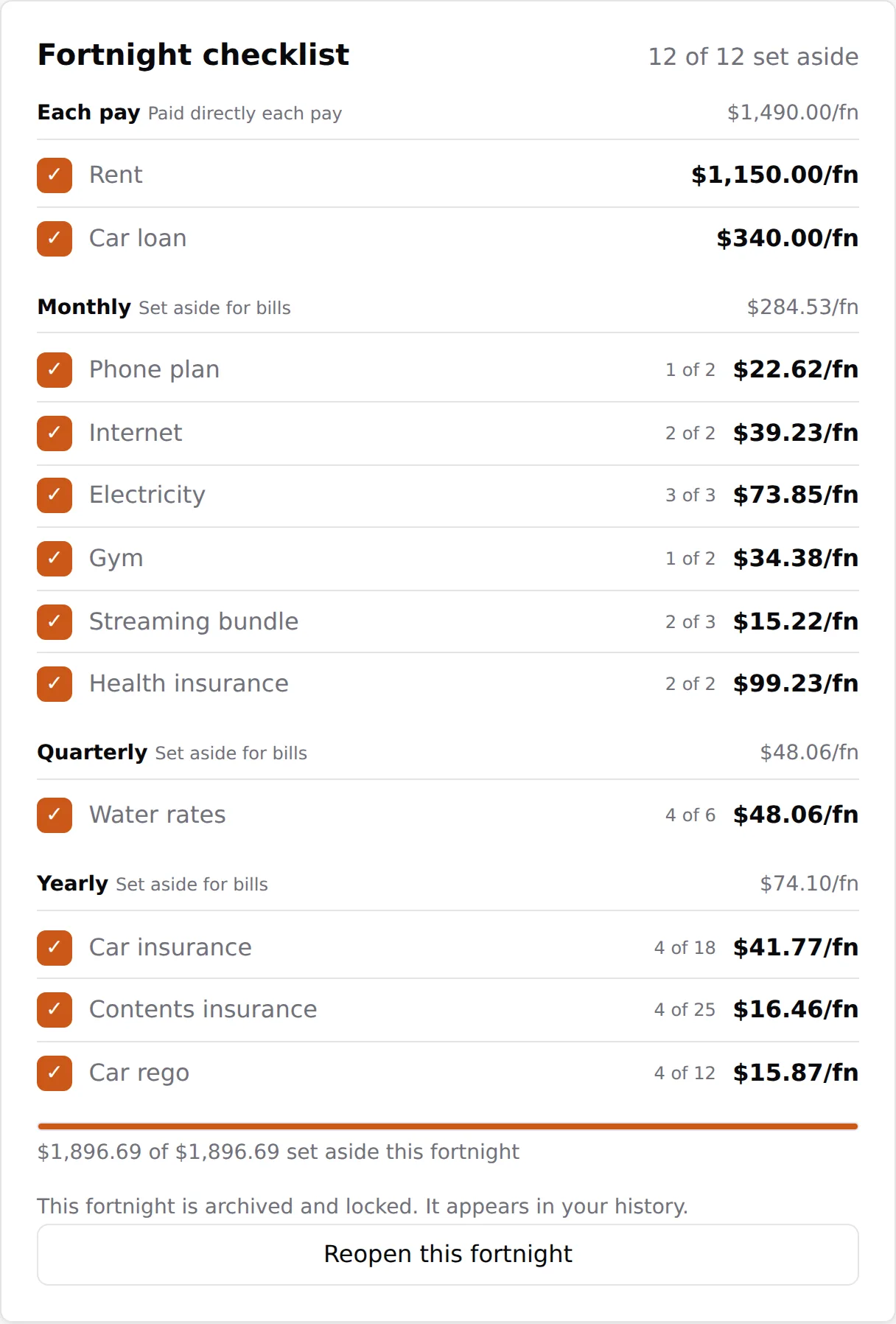
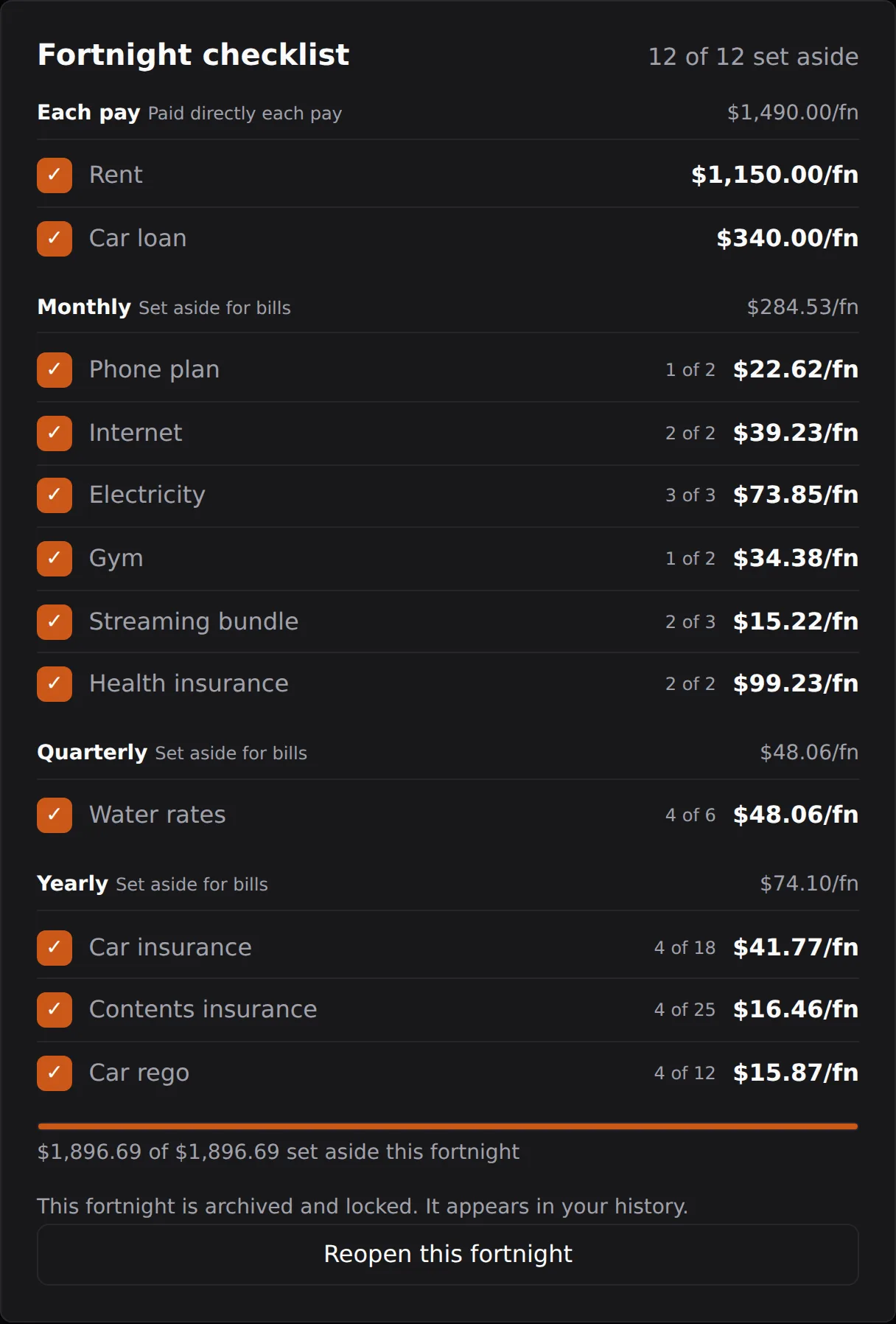
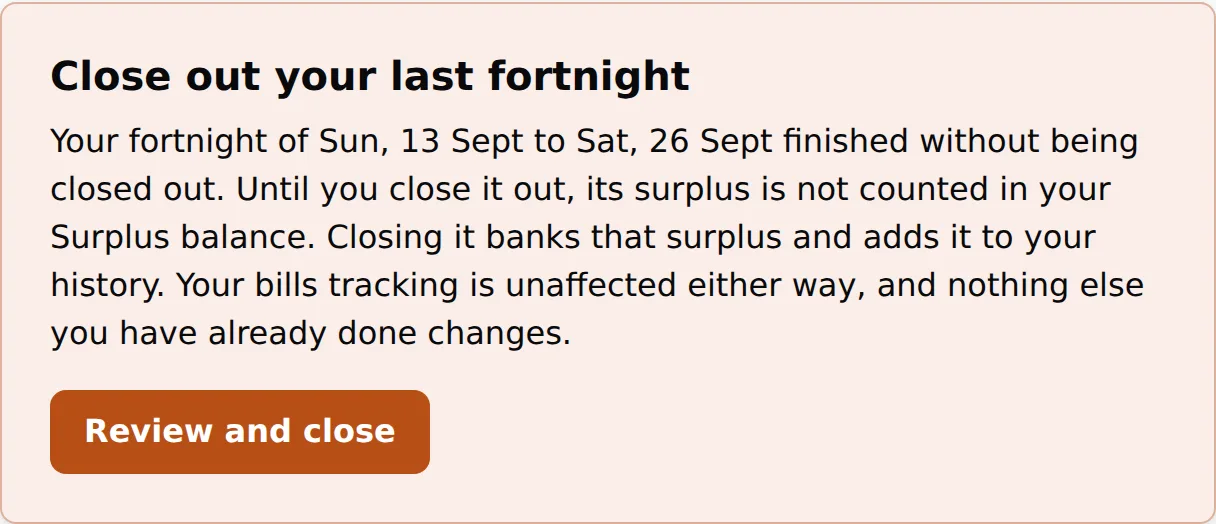
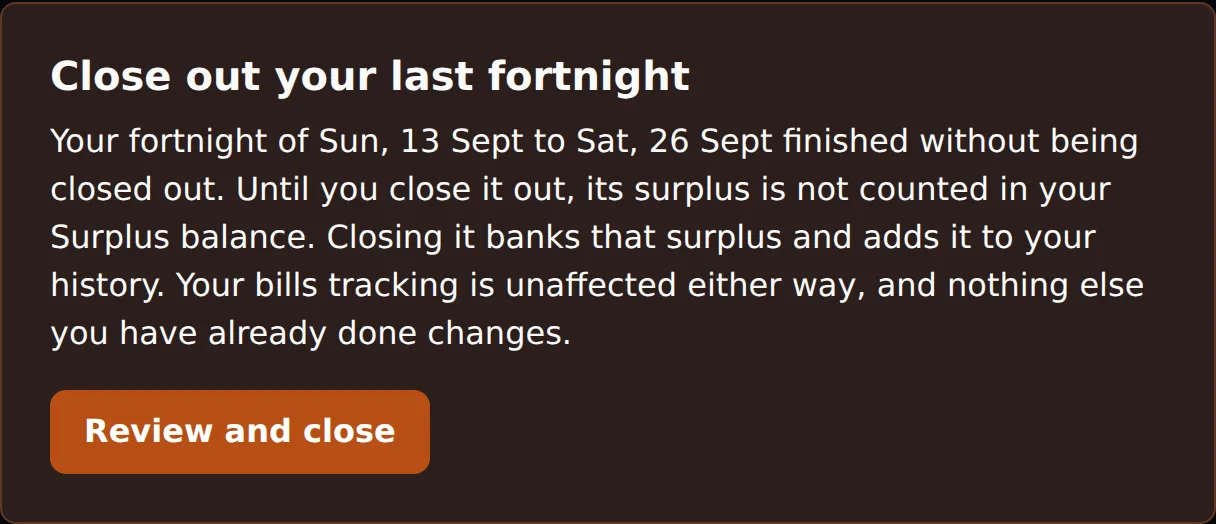
If a new payday arrives before you marked the last fortnight complete, EachPayday shows a Close out prompt at the top of the dashboard. Closing it banks that fortnight's surplus and adds it to your history, so nothing is lost by forgetting. If money was tight and you could not set everything aside, that is fine too: the shortfall stays reflected in your Bills account balance, which shows when bills paid so far are more than what has been set aside.
Your bills account at a glance
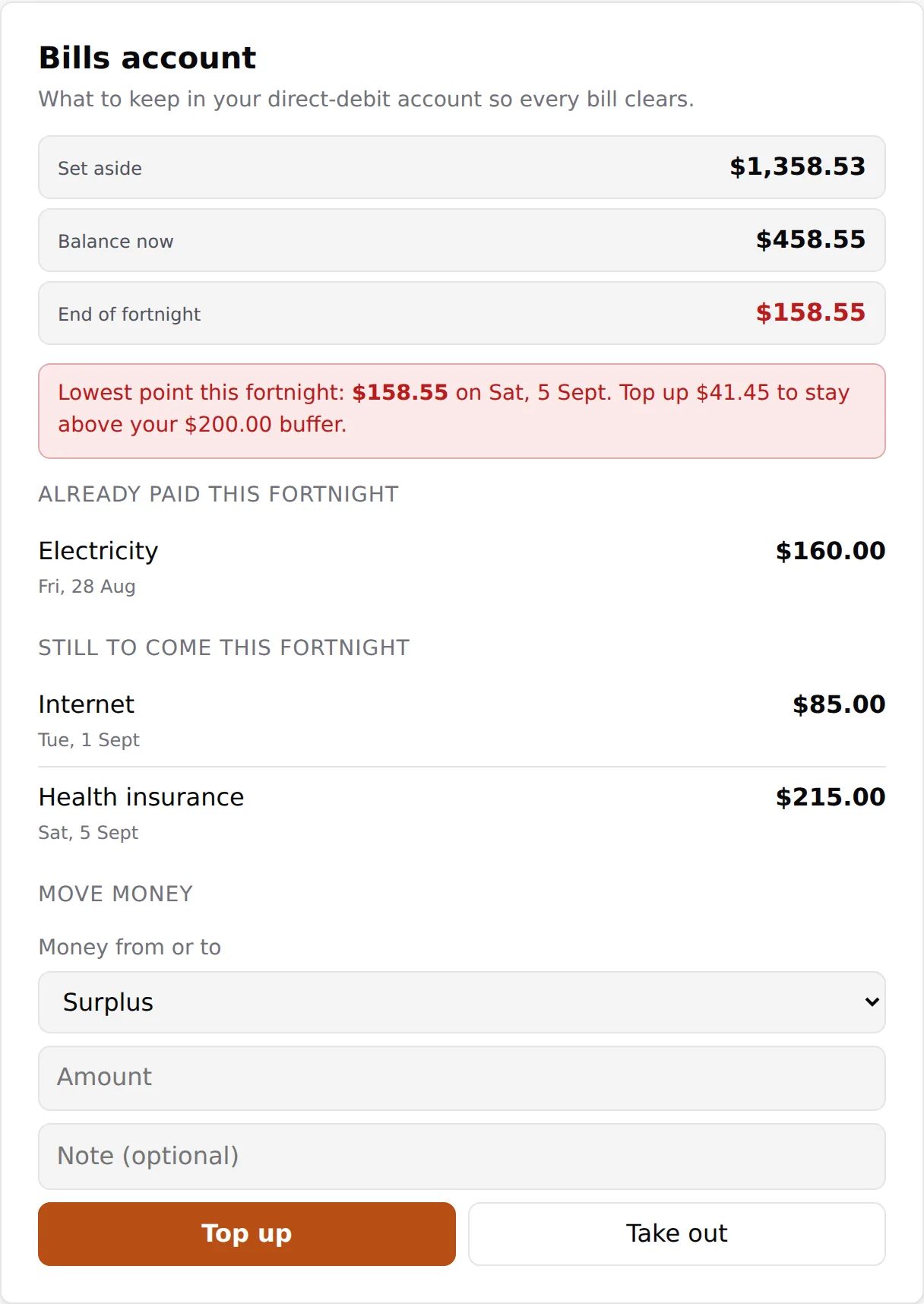
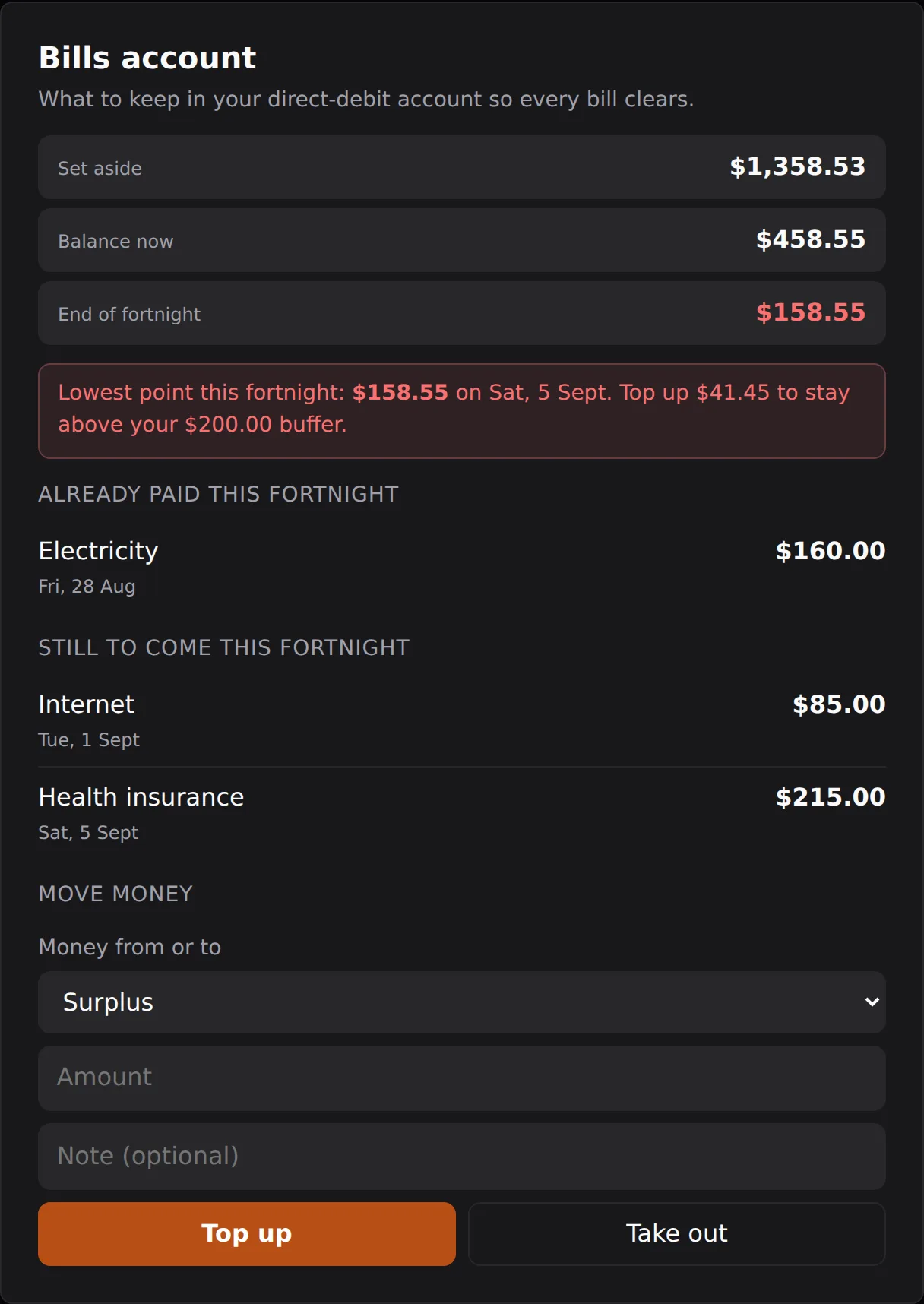
The Bills account card shows four running totals: Total set aside so far (everything you have set aside since you started), Total bills paid so far (everything that has come out for bills), Balance now (the two subtracted, what should be sitting in the account), and End of fortnight (where the balance lands once the bills still due have come out). Below them it lists the bills Already paid this fortnight and the bills Still to come this fortnight, and projects the lowest the balance will dip to before your next pay, so you can see in advance if a big bill will cut things close. If the account ever drops below zero, the card shows how far behind it is.
Below the totals the card tells you what to move into the account this fortnight. When you are on track it shows Still to set aside this fortnight, the set-asides you have not yet ticked off your checklist, which drops to zero as you tick them. If the account has fallen behind, it shows Move into Bills this fortnight instead: one figure that folds a top-up to catch up in on top of the set-asides still to move, with a Record top-up button that fills that extra onto the Move money form from Elsewhere. Either way it is one number, so you never add two figures that shift as you tick bills off.
Settling in, and topping up
When you start partway through your monthly, quarterly and yearly bill periods, your set-asides have not had time to build up yet, so a bill that lands soon after you begin can leave the bills account short. This is normal. Over the coming cycles your set-asides accumulate and the account evens out. A quarterly bill can take up to three months of set-asides to be fully covered, and a yearly bill up to a year, so their shares build gradually.
While it is catching up, the Move into Bills figure splits into the set-asides still to move plus the top-up to catch up, and a Record top-up button fills that top-up onto the Move money form from Elsewhere for you. When you move money into the bills account to cover a shortfall, record it with Move money on the Bills account card: choose where it came from, your surplus, your savings, or elsewhere, and enter the amount. That keeps the balance matching your real account, so the prompt clears once you have acted, and it draws the money down from your surplus or savings so those balances stay right too. You can take money back out the same way if a bill period leaves the account with more than it needs.
The bills buffer
The Bills buffer is an optional amount you choose to keep in the bills account as a cushion. If a debit comes out a day early or an amount is slightly higher than expected, the buffer absorbs it instead of the account going negative. You can change the buffer any time in Settings.