Help / Backing up and restoring your data
Backing up and restoring your data
Your budget is stored only on your device, in the browser or installed app. That is what keeps it private, and it means backing up is your safety net. There is no cloud copy for us to fall back on, because we never have your data.
Making a backup
In Settings > Your data, choose Export a backup file. This saves a single file to wherever you like: your Downloads, a cloud drive folder, a USB stick. EachPayday also prompts you to back up when you complete a pay cycle, which is a natural moment to keep a fresh copy. The card also shows when a backup file was last saved from the device you are on.
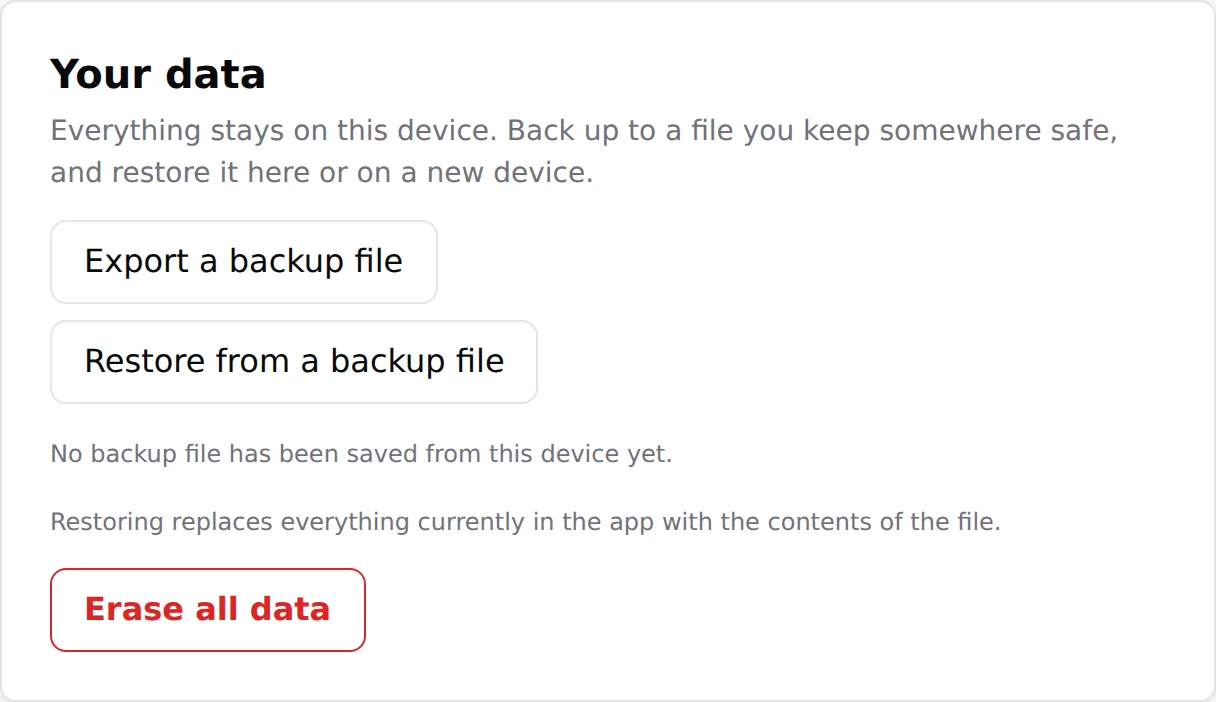
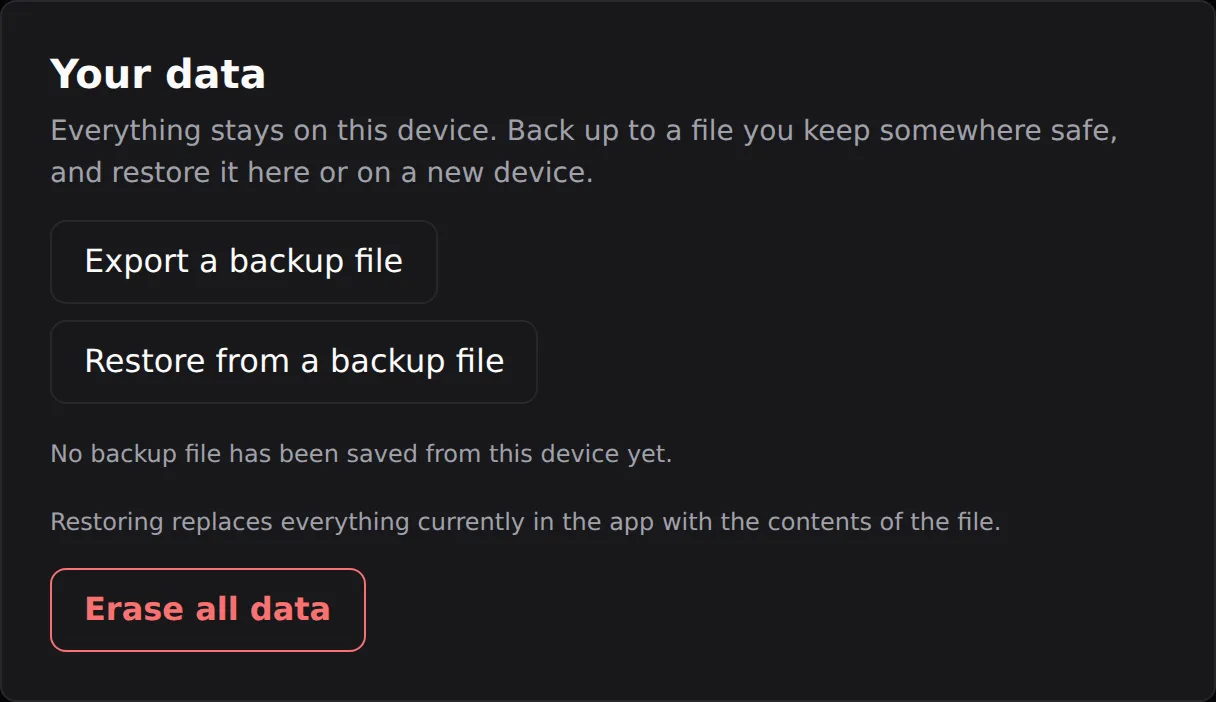


Keeping your backups in a synced folder (iCloud Drive, Google Drive, Dropbox) is a simple way to make sure a recent copy always exists off your device.
Restoring on a new device, or after clearing data
On a fresh device the welcome screen offers Restore from a backup file directly: enter your licence key when asked, pick your backup, and you land on your dashboard with everything in place, no setup screens. On a device already holding a budget, go to Settings > Your data, choose Restore from a backup file, and pick your backup. Either way the restore replaces whatever is currently in the app with the contents of the backup. Restoring takes seconds and is how you move your budget to a new phone or laptop, or recover if your browser data was cleared.
A restore replaces, it does not merge. See Using EachPayday on more than one device for what that means across several devices.