Help / Expenses vs surplus spends
Expenses vs surplus spends
EachPayday splits your spending into two ideas. Getting this distinction is the key to the whole app.
Expenses: your regular, expected outgoings
Anything that recurs or that you plan for, rent, power, insurance, subscriptions, a quarterly water bill, a yearly rego, goes in Manage income and expenses as an expense. Expenses drive the checklist and the bills account. They are the things you set money aside for each pay.
Surplus spends: one-off and discretionary
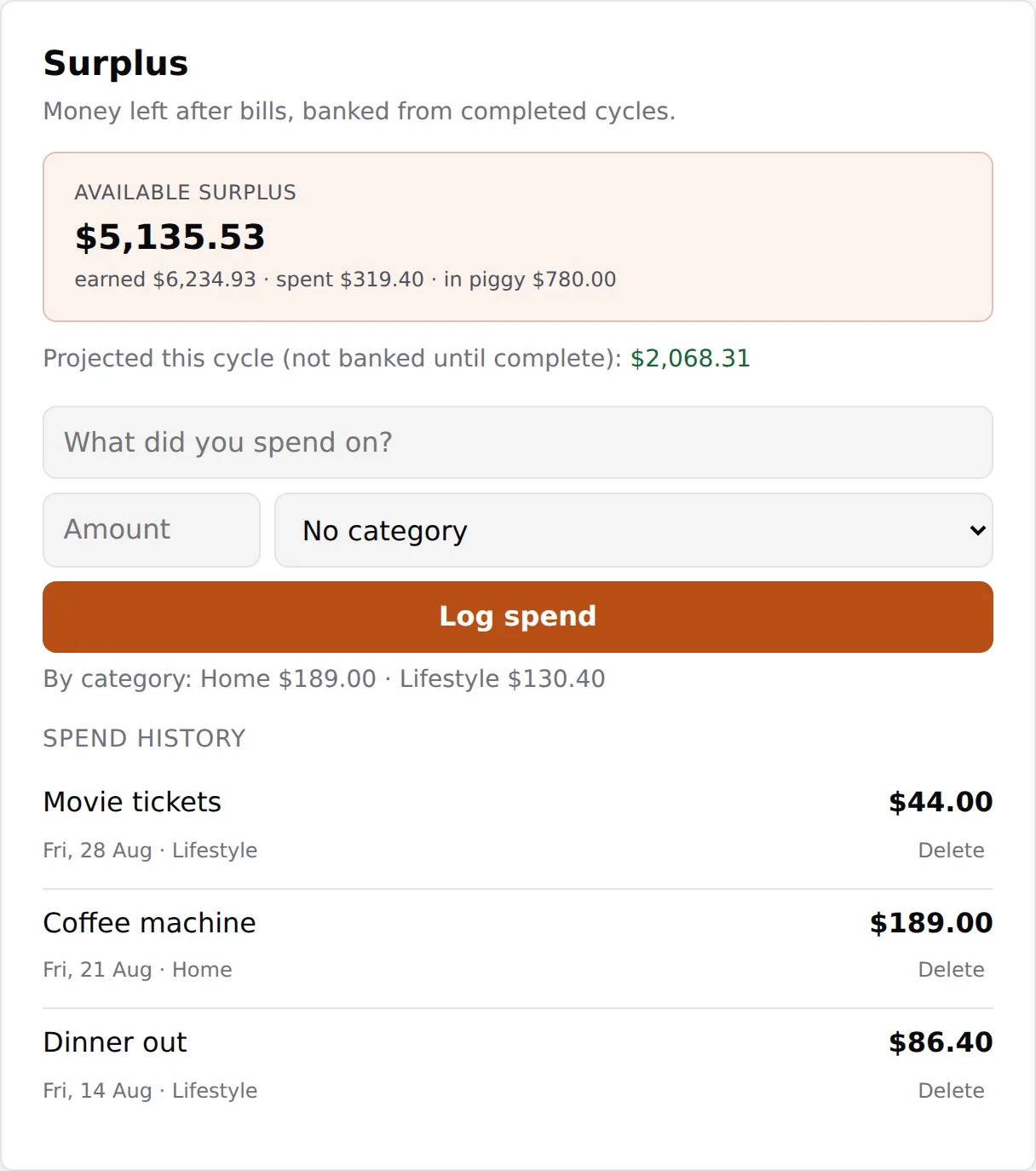
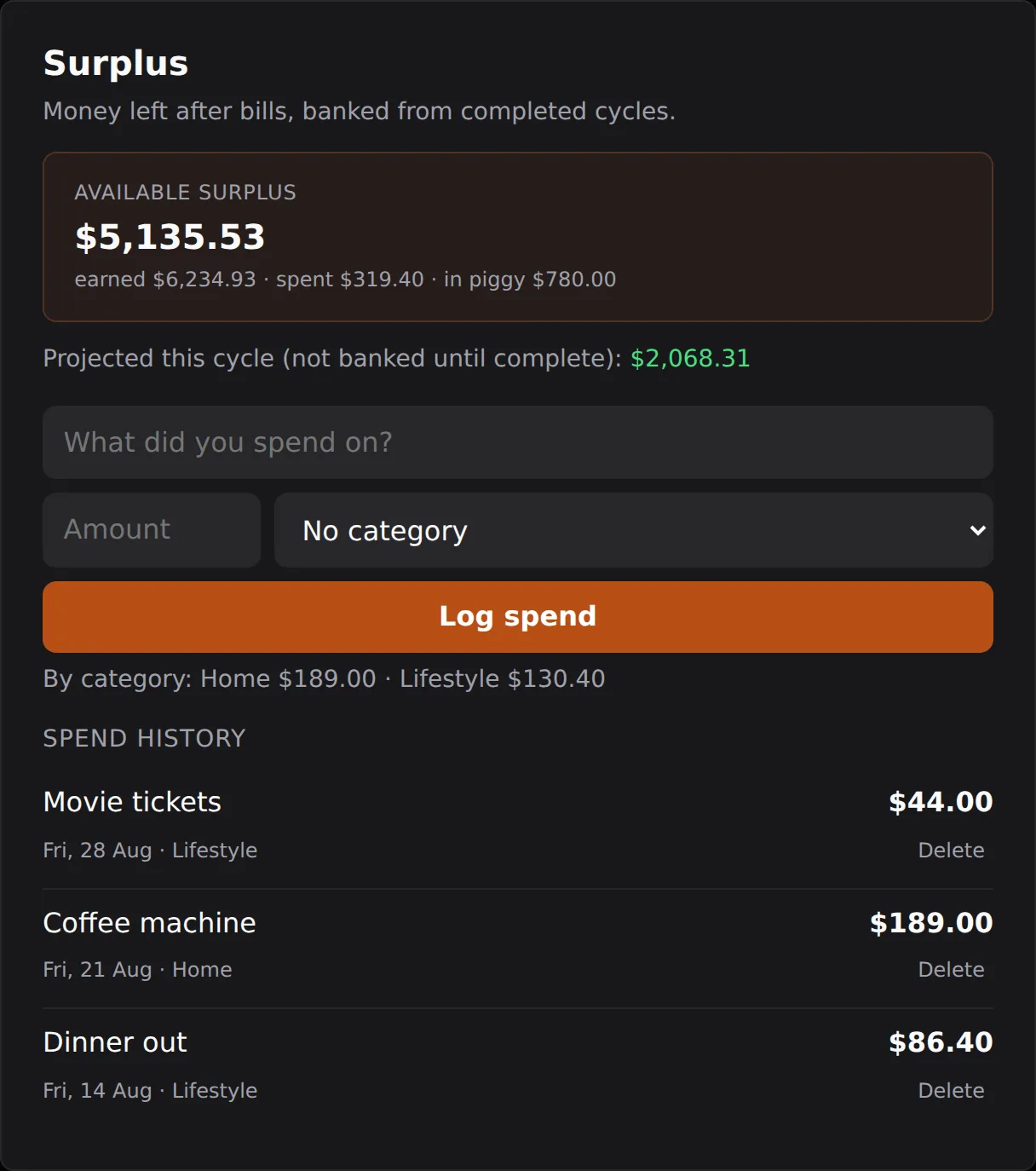
Money left over after your bills are covered becomes your surplus. One-off or discretionary purchases, a night out, a gadget, a gift, are logged in the Surplus card as a spend, not added to Manage. There is no separate one-off-expenses feature on purpose: surplus is where casual spending lives.
One thing worth understanding: surplus is banked from completed cycles only. Your current cycle's surplus is not added to the pot until the cycle finishes. So if you log a one-off spend before the current cycle closes, your available surplus can read as negative and EachPayday will show an overdraw confirmation. That is deliberate, not an error. It is letting you record the spend while making it clear you are dipping into money the current cycle has not banked yet.
Piggy bank and goals
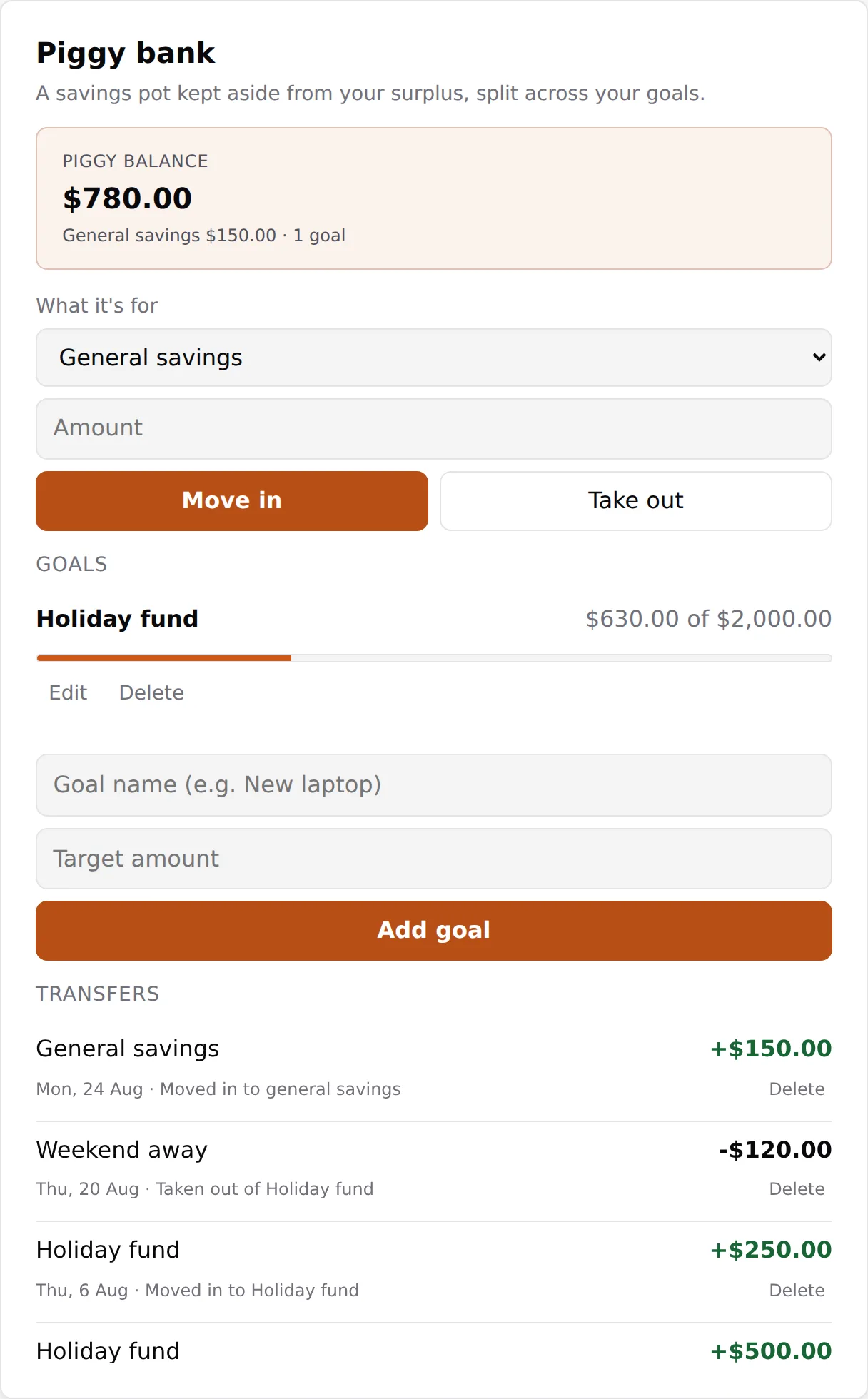
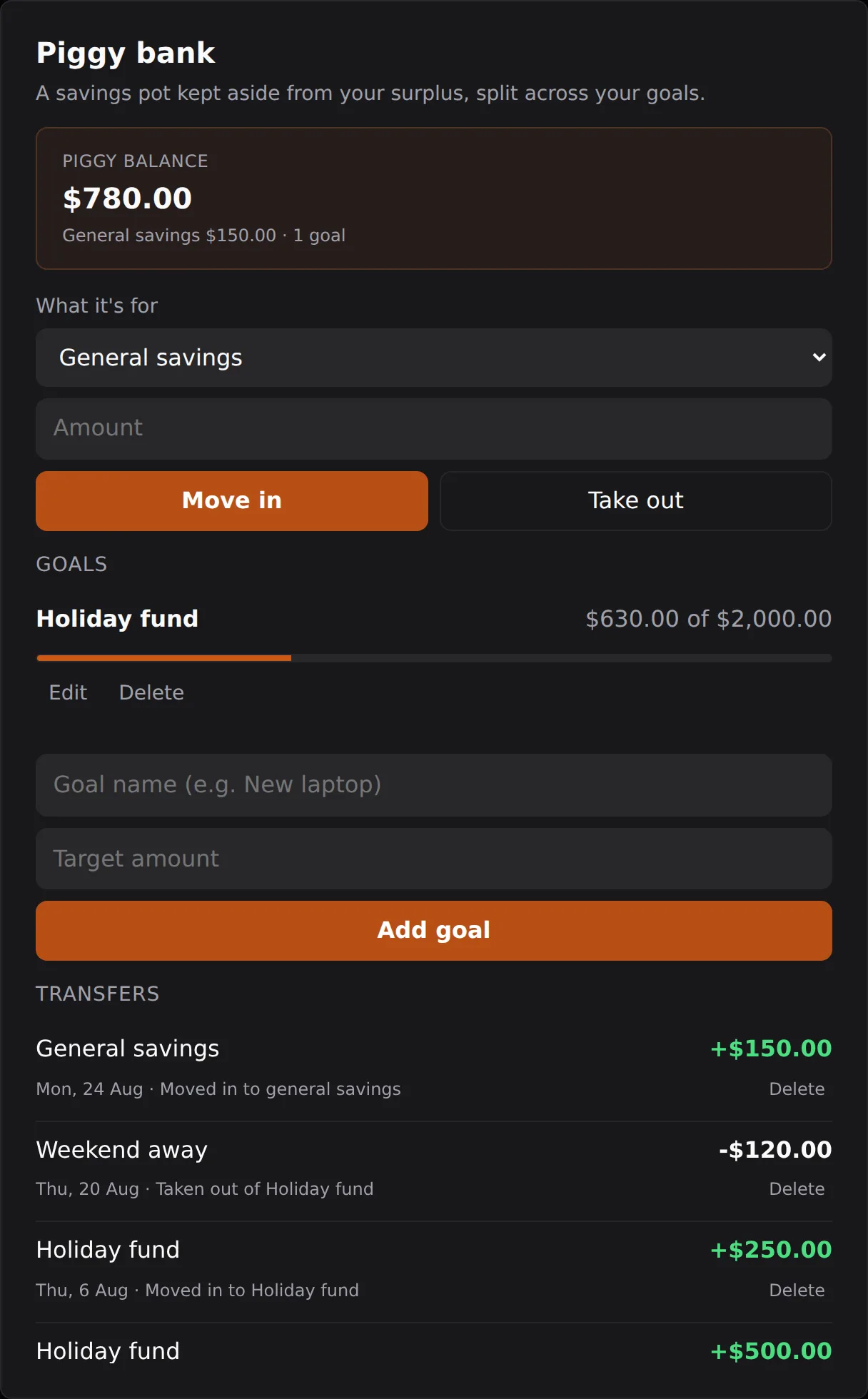
The Piggy bank is for money you are deliberately setting aside to save, separate from your surplus pot. You can move money in and take it out, and create Goals (for example a holiday or a new laptop) with their own target and balance so you can watch progress. You can create goals during setup or any time from the card, and give a goal a starting amount if you have already saved toward it. Taking out more than a goal or your general savings holds triggers the same overdraw confirmation, so you always know when you are pulling ahead of what you have saved.
Extra income
If you pick up casual work or a one-off payment in a given cycle, add it as extra income on the This fortnight card (This week or This month, matching your pay). It flows into that cycle's income and surplus without changing your regular pay setup. If you have already marked the cycle complete, the add button reads Reopen and add: confirming reopens the cycle and records the income, and you mark the cycle complete again so the new amount is counted in your history and your Surplus balance. Removing an entry is locked while the cycle is archived.